
How to Make a Linear Scan
A linear scan is simply a scan of your black and white negative with as little processing as possible from the scanner software.
It preserves the full tonal information from the negative so
DBW Scan Assistant can create the best possible positive image.
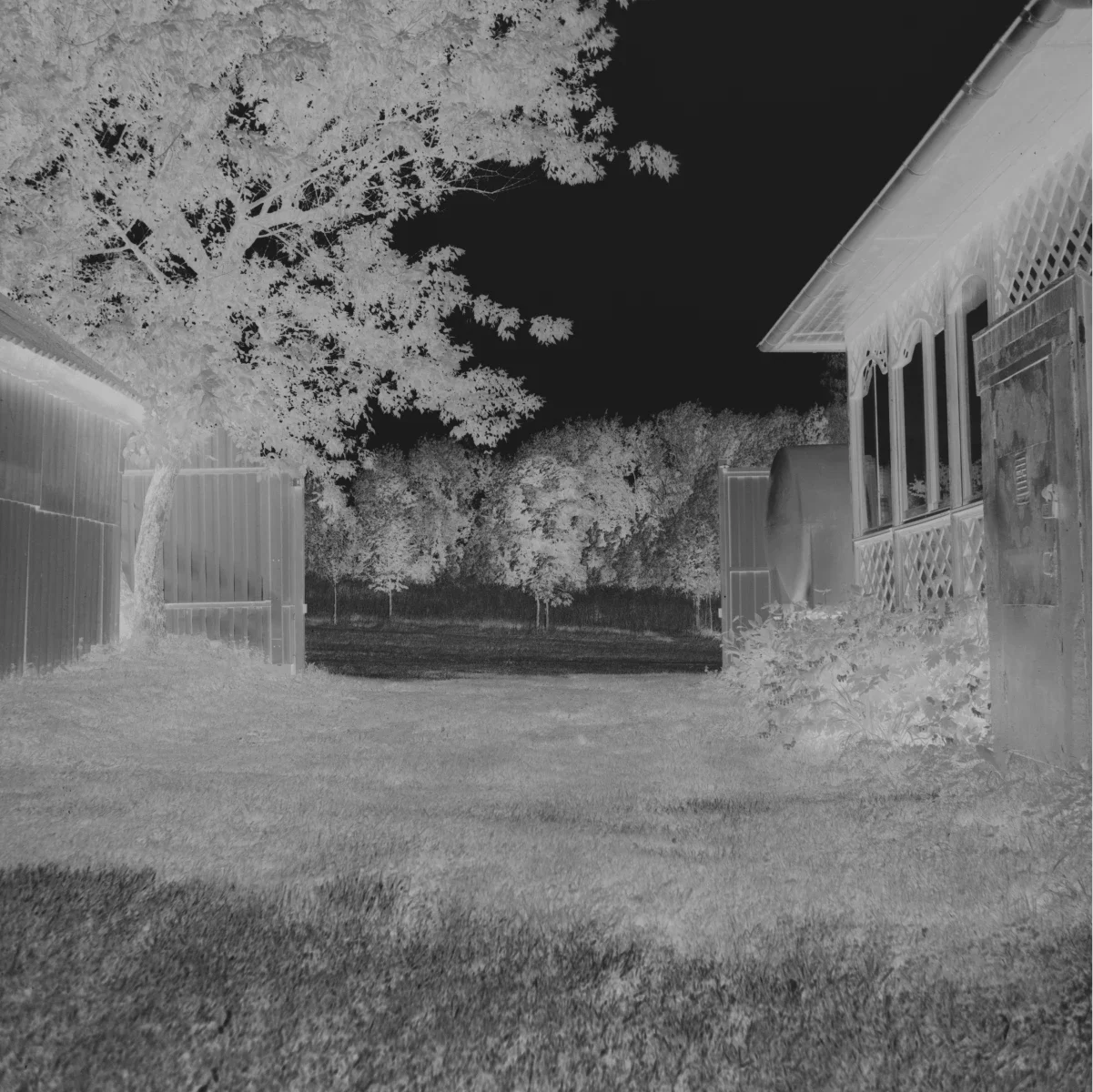
The Basic Idea
Instead of asking your scanner or DSLR camera to adjust the contrast or fix the tones, you capture the negative in an unprocessed way and let DBW Linear Scans handle the conversion afterwards.

Open The File
Open the file in DBW Linear Scans ad use the controls to create the positive
Do I Need Special Scanning Software?
Many scanner applications can create a suitable linear scan if you avoid automatic corrections, in some cases scan the negative as a positive. Some users prefer dedicated scanning software because it offers more control.
For example: VueScan or Epson Scan
Key Settings to Look For
- Scan as: Positive / Transparency
- Color Mode: 16-bit Grayscale
- All Corrections: OFF
- Sharpening: OFF
- Color Restoration (for B&W): OFF
- Dust Removal / ICE: OFF
- Save Format: TIFF (16-bit if possible)
How To Make A Linear Scan With Epson Scan
How To Make A Linear Scan With VueScan
Ready To Try DBW Linear Scans?
Download Latest Version of DBW Linear Scans
Note: Apple Mac Requires macOS 11 (Big Sur) or later.